Connect Cloudbeds with Zentor App
Your guests ask, your AI chatbot answers with data straight from Cloudbeds: available room types with prices for the requested period and – after the email address has been verified – the current status of their reservation. Even when the front desk is not staffed.
Typical uses: in the evening a guest asks “Do you have a room for two from the 12th to the 15th?” – the chatbot lists the available room types with prices. A guest wants to know whether their booking is confirmed – the chatbot asks for the reservation number and email address and states the status, arrival and departure dates and the outstanding balance. This relieves your front desk team of recurring questions.
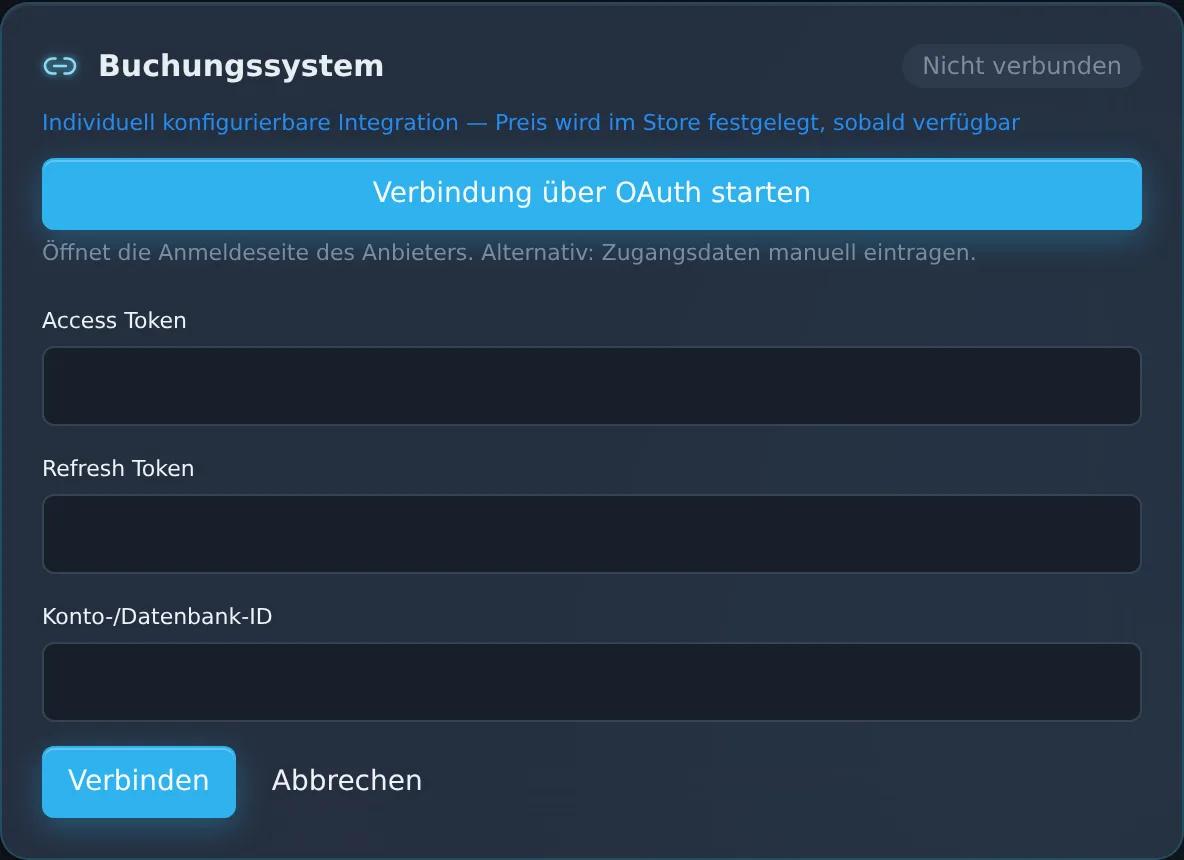
You set up the connection in the dashboard – by signing in to Cloudbeds or with the API key and property ID of your property. The Cloudbeds integration is not a paid add-on. Guests continue to complete the booking itself through your usual booking channels. If you wish, the Zentor team will support you with the setup.
Feature set
Connection via Cloudbeds sign-in or API key
Check available rooms for requested dates right in the chat
Reservation status for guests – after email verification
Regular sync of your reservations
View in the Zentor App dashboard
Frequently asked questions
What do I need for the setup?
A Cloudbeds account for your property. You connect it in the dashboard by signing in to Cloudbeds or with the API key and property ID of your property; if you wish, the Zentor team will help you.
Can the chatbot create reservations?
No. The chatbot checks available rooms and provides information on existing reservations. Guests complete the booking through your usual booking channels.
How is reservation data protected?
The chatbot only shares reservation details if the email address provided matches the booking. If the address does not match, it does not disclose any reservation data.
Does the Cloudbeds connection cost extra?
No. The Cloudbeds integration is not a paid add-on.
Set up this connector for your business
Talk to us about your use case – we'll show you how the connection to your system is set up.