Connect Odoo with Zentor App
Zentor App regularly syncs invoices, orders and products with your Odoo system. Access is strictly read-only – Odoo remains your leading system, and Zentor App does not write any data back.
How the integration works: your accounting and sales teams keep working in Odoo as usual, while Zentor App regularly reads invoices, orders and products. Only records changed since the last sync are imported – so even large data sets stay up to date quickly. You can see the history of every sync in the dashboard.
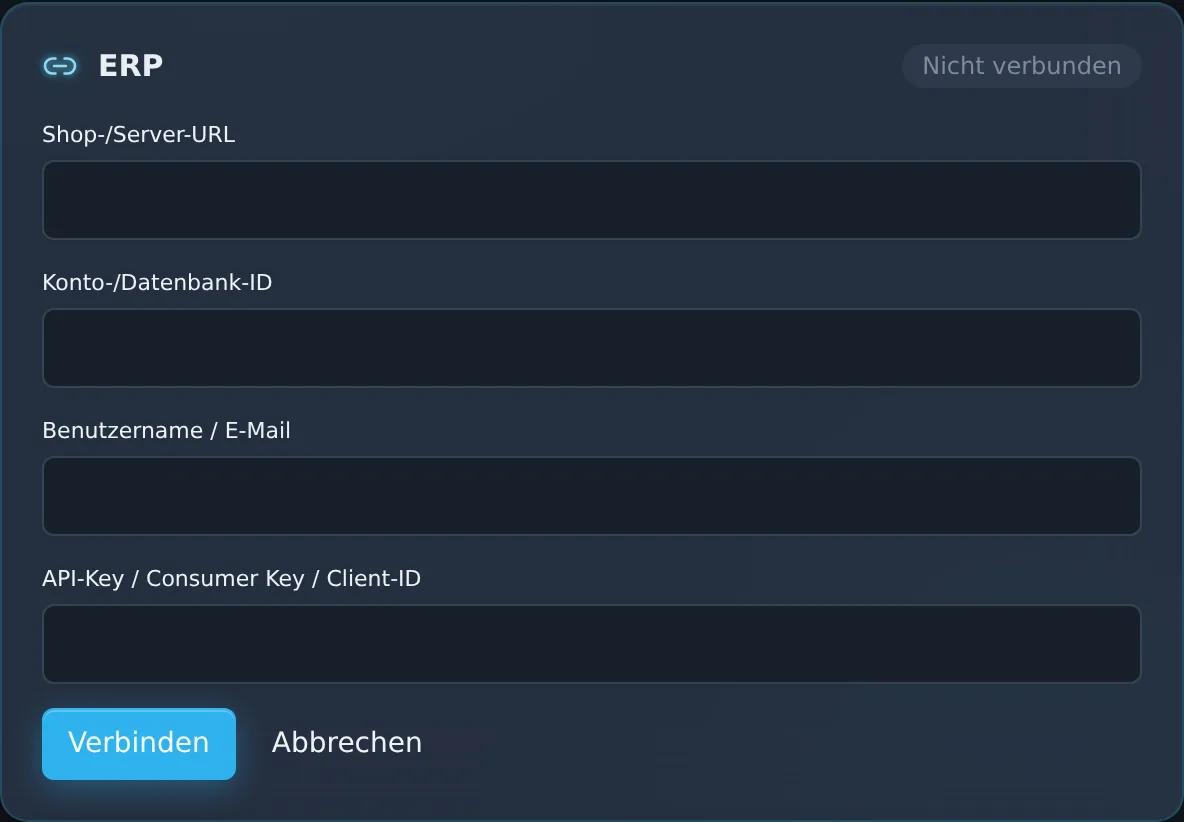
For the setup you need the address of your Odoo instance, the database name, a user and their API key or password. You enter the details in the dashboard under “CRM/ERP/Shop Connectors”. It requires the ERP Integration add-on (€69/month). If you wish, the Zentor team will support you.
Feature set
Connection to your Odoo instance via user and API key
Regular read-only sync of your invoices
Regular read-only sync of orders and products
View in the Zentor App dashboard
Frequently asked questions
What do I need for the setup?
The address of your Odoo instance, the database name, a user with API key or password, and the ERP Integration add-on. You enter the details in the dashboard under “CRM/ERP/Shop Connectors”; if you wish, the Zentor team will help you.
Does Zentor App write data back to Odoo?
No. The integration is deliberately read-only: invoices, orders and products are read from Odoo, and nothing is changed in Odoo.
How current is the data?
Zentor App syncs regularly and imports the records changed since the last sync each time.
How are my access credentials protected?
Zentor App stores your access credentials encrypted (AES-256-GCM) and uses them solely for the connection to your system. You can disconnect at any time in the dashboard.
Set up this connector for your business
Talk to us about your use case – we'll show you how the connection to your system is set up.