Connect WooCommerce with Zentor App
Your AI chatbot answers product questions with data from your WooCommerce store – including price, stock level and a link to the product page – and tells customers their order status after checking the billing email.
Typical uses: a visitor asks whether an item is in stock – the chatbot searches your store and answers with price, stock level and product link. A customer wants to know where their order is – the chatbot asks for the order number and email address and states the current status, without your support team having to step in. Products and orders are also synced with Zentor App regularly.
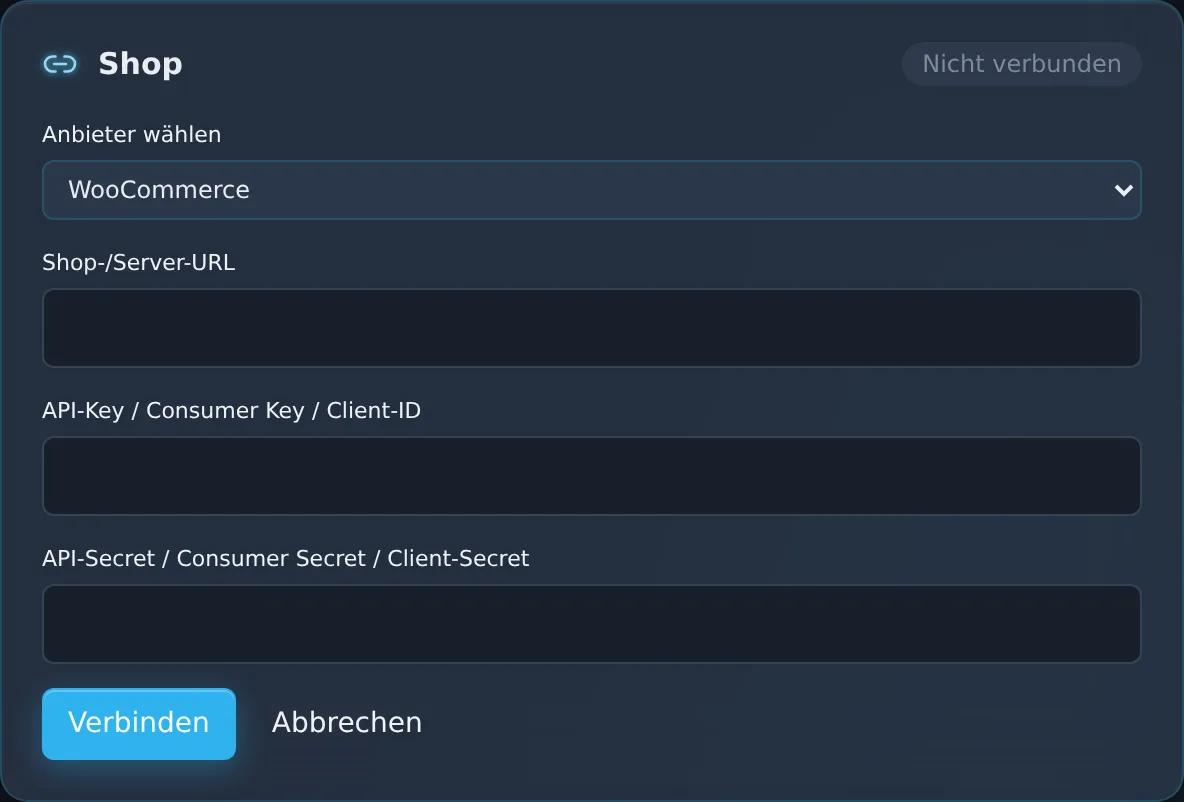
You set up the connection in the dashboard under “CRM/ERP/Shop Connectors” – with your store address and a REST API key (consumer key and consumer secret) from the WooCommerce settings. It requires the Shop Integration add-on (€39/month). If you wish, the Zentor team will support you with the setup.
Feature set
Connection via WooCommerce REST API key
Product search in the chat with price, stock level, SKU and product link
Order status in the chat with billing email verification
Regular sync of products and orders
View in the Zentor App dashboard
Frequently asked questions
What do I need for the setup?
The address of your WooCommerce store, a REST API key (consumer key and consumer secret) from the WooCommerce settings, and the Shop Integration add-on. You set up the connection in the dashboard under “CRM/ERP/Shop Connectors”; if you wish, the Zentor team will help you.
Which information does the chatbot provide?
For products: name, price, stock level, SKU and a link to the product page; for orders: the current status.
How is the order status protected?
The chatbot only shares the status if the email address provided matches the order. This way, nobody receives information about other people’s orders.
How are my access credentials protected?
Zentor App stores your access credentials encrypted (AES-256-GCM) and uses them solely for the connection to your system. You can disconnect at any time in the dashboard.
Set up this connector for your business
Talk to us about your use case – we'll show you how the connection to your system is set up.