Connect Microsoft 365 with Zentor App
Availability check via Microsoft Graph, full appointment management, and dedicated detection of missing admin consent in the Microsoft organization -- the connector is fully implemented in code.
Current status of this integration
This integration is fully implemented. What is still pending is the external test connection to a real Microsoft 365 organization -- an Entra ID app registration (client ID/secret) does not yet exist. This page will be updated once the registration is in place and a real test has been carried out. Note: This calendar connector is an optional third-party integration and not part of the target calendar architecture — appointment booking in Zentor App runs on the Zentor-owned calendar and does not require this connection.
Implemented feature set (external test connection still pending)
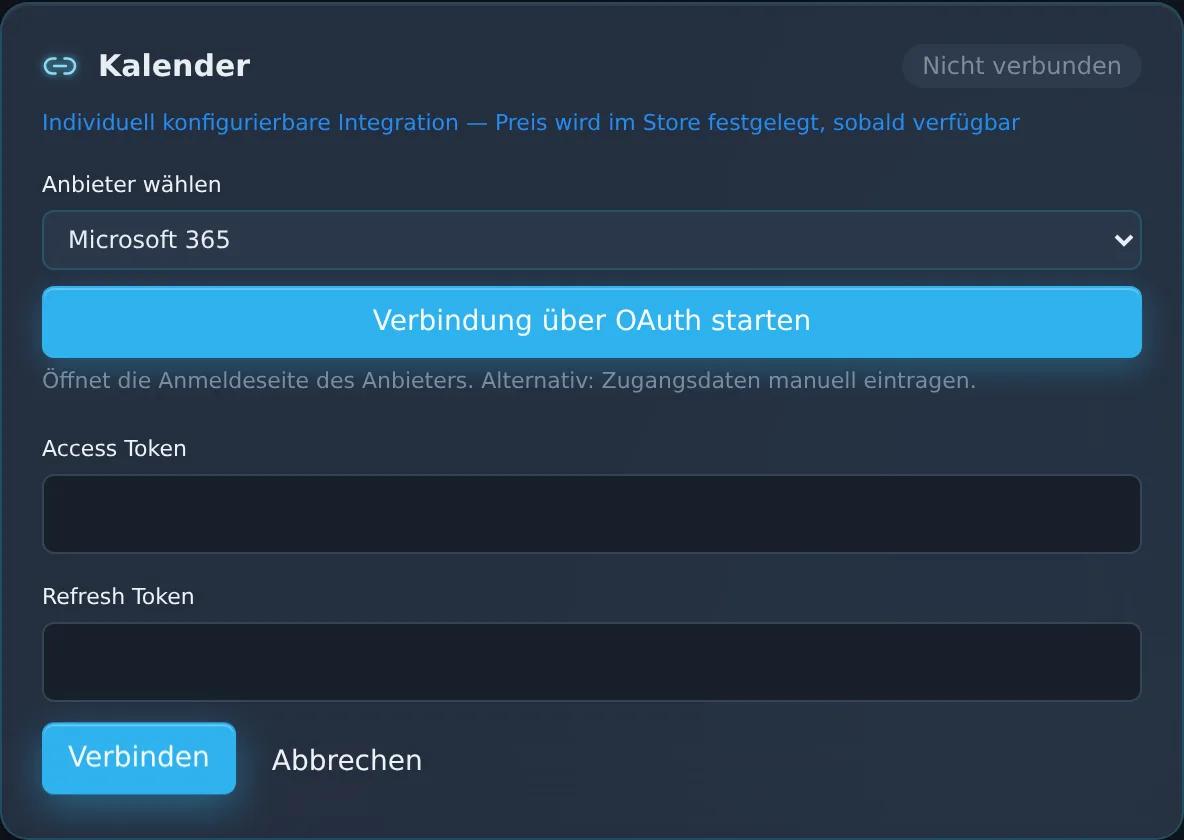
Connection via OAuth2 through the Microsoft Identity Platform (v2.0)
Not yet individually testedAutomatic detection of missing admin consent
Not yet individually testedAvailability check via the Microsoft Graph getSchedule function
Not yet individually testedCreate, update, and delete calendar events
Not yet individually testedView in the Zentor App dashboard
Frequently asked questions
Is the Microsoft 365 integration usable yet?
The code is fully implemented but not yet tested against a real Microsoft 365 organization. Until that test evidence exists, the connection is deliberately not advertised as finished here.
What happens if admin consent is missing?
The connector specifically detects this case (Authorization_RequestDenied/403) and distinguishes it from other errors -- so the issue can be clearly named to the customer instead of appearing as a generic error.
Does the calendar connection cost extra?
No. The calendar connectors (Google Calendar, Microsoft 365) are deliberately unlocked without a store price gate once the external connection is in place.
Can appointments also be moved or cancelled?
Yes, the connector implements full appointment CRUD -- create, update, and delete via the /me/events interface.
Set up this connector for your business
Talk to us about your specific use case — we'll explain what's already possible today.