Connect Google Calendar with Zentor App
When booking appointments, Zentor App takes the entries in your Google Calendar calendar into account and automatically records new, moved or cancelled appointments there – so your calendar remains the single reliable overview for your team.
Typical uses: a customer books a consultation in the chat – only times that are free in your calendar are offered, and the appointment appears in Google Calendar immediately. A customer moves or cancels their appointment – the calendar entry is adjusted automatically. You block time in Google Calendar for a meeting or holiday – this time is no longer offered to customers.
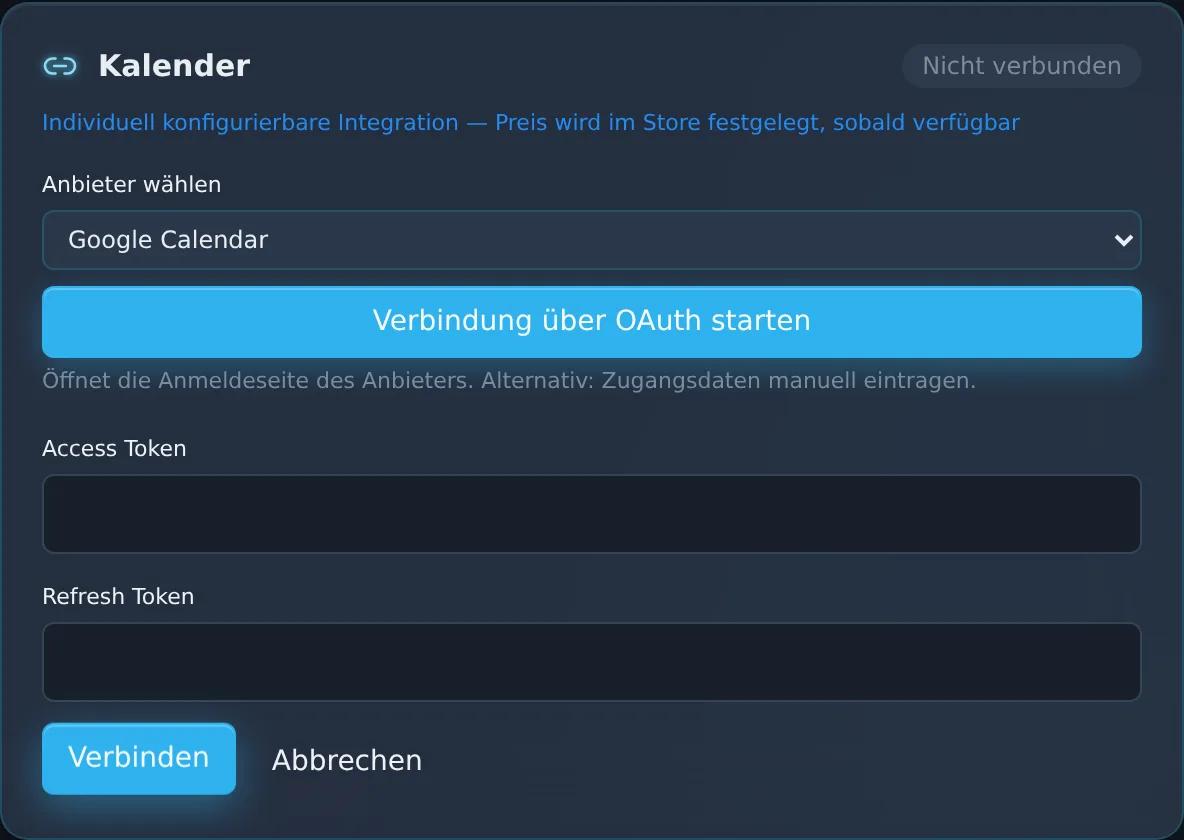
You set up the connection in the dashboard under “CRM/ERP/Shop Connectors” by signing in with your Google account. The connection itself is not a paid add-on; for appointment booking via the AI chatbot, you use the Calendar/Appointment Booking add-on (€19/month). If you wish, the Zentor team will support you.
Feature set
Connection by signing in with your Google account
Availability check based on your calendar appointments
Create, update and delete appointments automatically
View in the Zentor App dashboard
Frequently asked questions
What do I need for the setup?
A Google account. You connect it in the dashboard under “CRM/ERP/Shop Connectors” in just a few clicks by signing in with the provider. If you wish, the Zentor team will help you.
Does the calendar connection cost extra?
The connection itself is not a paid add-on. For appointment booking via the AI chatbot, you use the Calendar/Appointment Booking add-on (€19/month).
How does Zentor App prevent double bookings?
Before every booking, Zentor App checks the appointments in your Google Calendar calendar. Busy times – such as meetings or holidays – are not offered to customers.
What happens if an appointment is moved or cancelled?
Zentor App updates the appointment in your Google Calendar calendar or removes it – your calendar stays up to date.
Set up this connector for your business
Talk to us about your use case – we'll show you how the connection to your system is set up.