Connect WordPress with Zentor App
Connection via application password and sync of posts and pages -- both functions are verified with a real end-to-end test.
Feature set
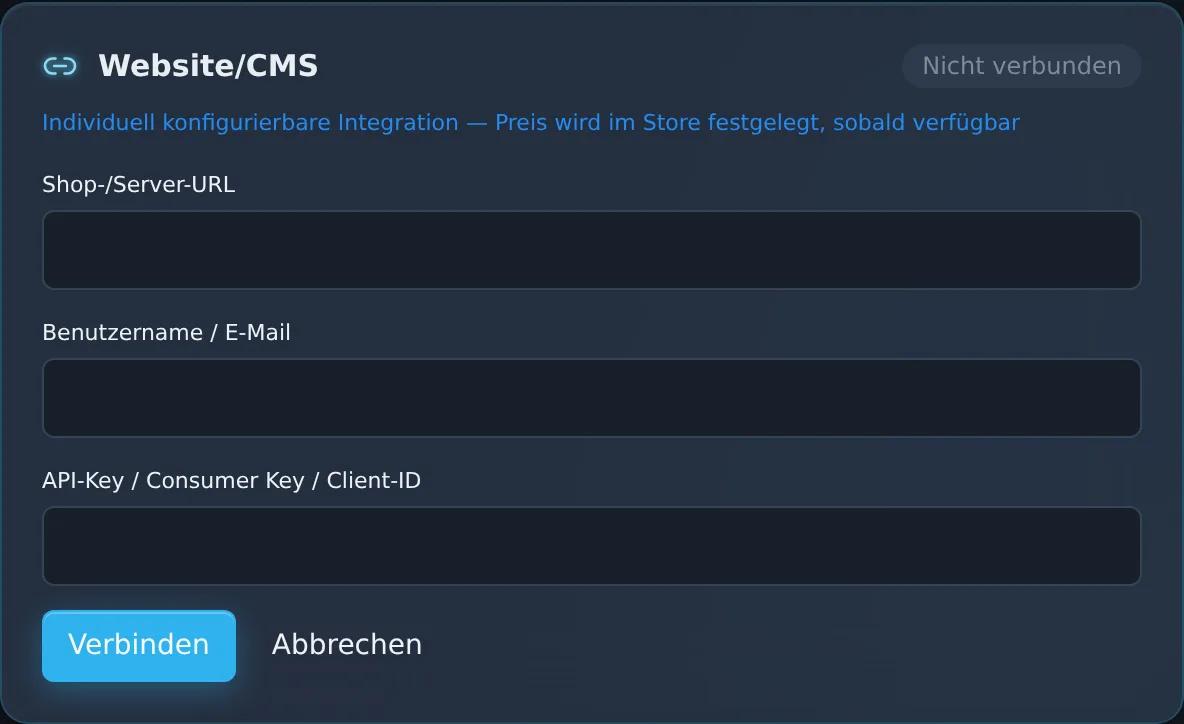
Connection via WordPress application password
Tested on 2026-07-19Content sync for posts and pages
Tested on 2026-07-19View in the Zentor App dashboard
Frequently asked questions
How is the connection to WordPress established?
Via a WordPress application password (generated in WordPress under Users → Profile) -- no plugin and no additional server access required. Zentor App stores the password encrypted.
Which content is synced?
Posts and pages. The sync is verified with a real end-to-end test against a real WordPress instance (2026-07-19).
Does this also read WooCommerce shop data from WordPress?
The WordPress connector itself reads posts and pages. WooCommerce shop data (products, orders) has its own, separately tested connector -- see the WooCommerce connector page.
Is the WordPress connection ready for production use?
The connector has reached the "E2E verified" acceptance level -- the full business process (connection + content sync) was proven against a real WordPress instance.
Set up this connector for your business
Talk to us about your specific use case — we'll explain what's already possible today.