Connect Freshdesk with Zentor App
When your AI chatbot hands a conversation over to an employee, Zentor App automatically creates a Freshdesk ticket with the conversation history. Your team keeps working in its familiar environment and does not need to ask the customer for anything again.
Typical uses: a customer reports a complaint that the chatbot cannot fully resolve – the handover creates a ticket with contact details, conversation history and handover reason, assigned directly to your default agent. If the same conversation is handed over again later, Zentor App adds a note to the existing ticket instead of creating a second one. Existing tickets are also synced with Zentor App regularly.
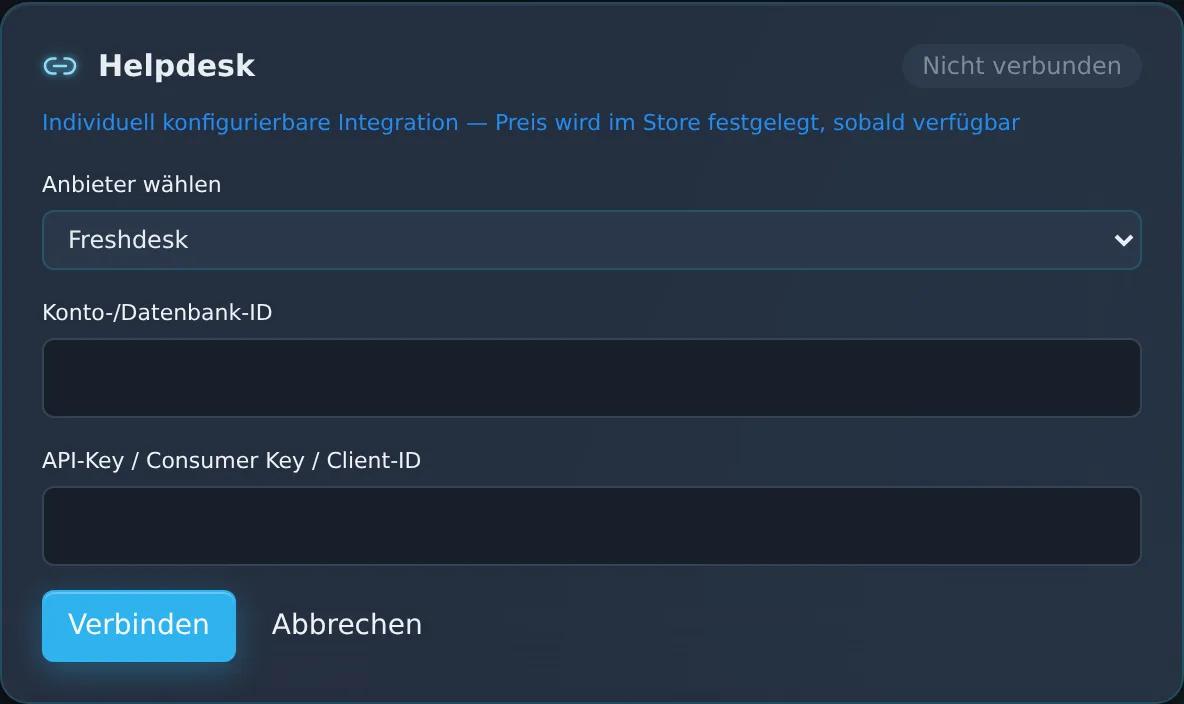
You need the address of your Freshdesk account (e.g. yourcompany.freshdesk.com) and your API key; optionally you enter the ID of the default agent. You enter the details in the dashboard under “CRM/ERP/Shop Connectors”. The Freshdesk integration is not a paid add-on and is optional – Zentor App also works without a helpdesk system. If you wish, the Zentor team will support you with the setup.
Feature set
Connection via Freshdesk API key
Automatic ticket for every handover to your team – including the conversation history
Assignment to your default agent, repeat handovers added as a note to the same ticket
Regular sync of your tickets
View in the Zentor App dashboard
Frequently asked questions
What do I need for the setup?
You need the address of your Freshdesk account (e.g. yourcompany.freshdesk.com) and your API key; optionally you enter the ID of the default agent. You enter the details in the dashboard under “CRM/ERP/Shop Connectors”. If you wish, the Zentor team will help you.
When is a ticket created?
With every handover of a conversation to an employee – whether the chatbot hands over or the conversation is escalated manually. A repeat handover of the same conversation adds a note to the existing ticket.
Can I decide who receives the tickets?
Yes. In the dashboard you set a default agent to whom all tickets from conversation handovers are assigned. You reassign individual tickets in Freshdesk as usual.
Which customer details does Freshdesk need?
Freshdesk only creates tickets with the customer’s email address or phone number. If neither is available, no ticket is created and you see a notice in the connector’s activity log.
Set up this connector for your business
Talk to us about your use case – we'll show you how the connection to your system is set up.